


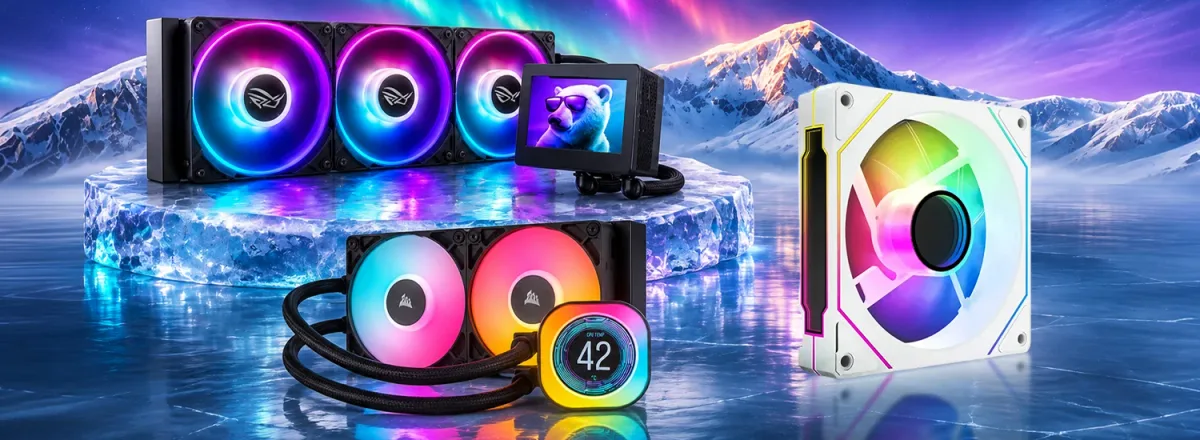
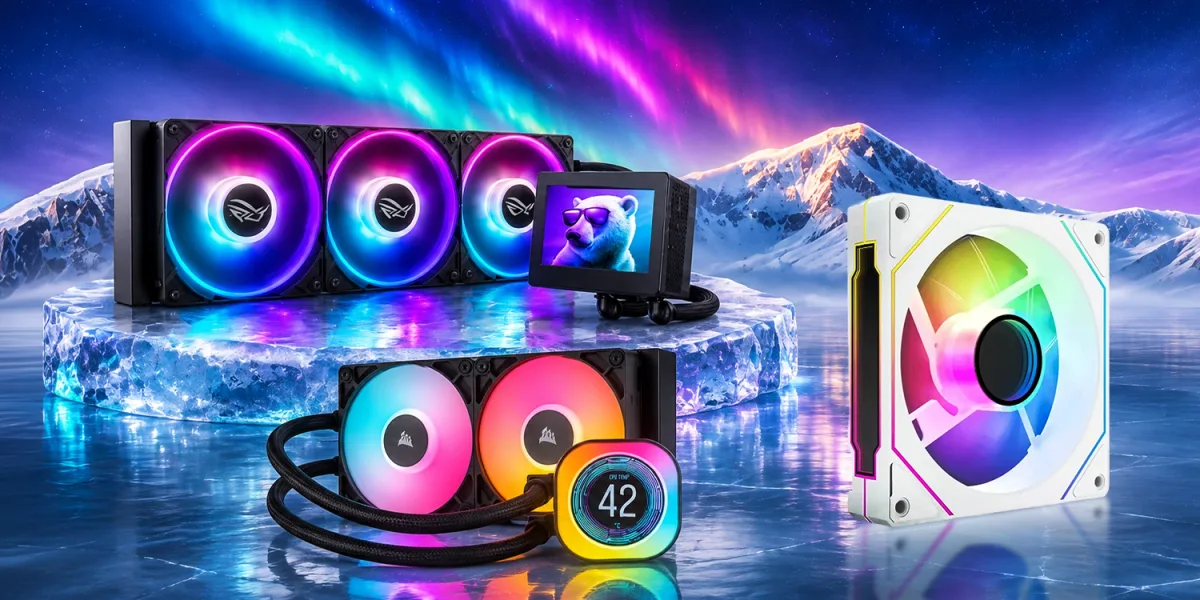
A high‑performance gaming PC needs more than a fast CPU and graphics card. Effective cooling helps control temperatures during gaming, streaming, editing and demanding workloads. If you are comparing PC cooling systems in UAE, understanding the differences between air coolers, AIO liquid coolers and RGB case fans can help you make a confident buying decision.
Why PC Cooling Matters for Gaming Performance
Processors and graphics cards generate heat under load. When temperatures rise too far, components can reduce their operating speed to protect themselves, a behaviour called thermal throttling. The right cooler and balanced case airflow can help maintain stable performance, reduce unwanted noise and improve day‑to‑day reliability.
In the UAE, warm room temperatures can make effective heat dissipation more challenging. Computer cooling still depends on suitable room ventilation and correct installation.
Liquid Cooling vs Air Cooling: Which One Should You Buy?
AIO Liquid CPU Coolers
An all‑in‑one liquid cooler transfers heat from the CPU through a cold plate and coolant loop to a radiator, where fans disperse it. Common sizes include 240mm and 360mm AIO coolers. Many gaming models add ARGB lighting, LCD displays and fan‑control features.
CPU Air Coolers
Air coolers use a heatsink, heat pipes and one or more fans. A well‑matched air cooler can provide excellent performance with a comparatively simple design. The best option depends on processor heat output, socket support, cooler clearance, noise preferences and budget.
240mm Liquid Cooling for Balanced Gaming Builds
A 240mm AIO generally uses two 120mm fans, making it an attractive choice where case space is limited. Cooling capability varies by model and CPU workload, so check compatibility before ordering.
GAMDIAS CHIONE P3‑240U LCD Cooler
The GAMDIAS CHIONE P3‑240U is a 240mm AIO with two PWM ARGB fans and a customizable IPS LCD. Its listed features also include a copper cold plate and a small VRM cooling fan. It suits buyers interested in both cooling and visual customization.
Explore the GAMDIAS cooler on Star Gallery Mart.
360mm Liquid Coolers for Demanding Systems
A 360mm radiator typically uses three 120mm fans and offers more heat‑dissipation area than a 240mm design. It may suit processors with higher thermal loads, provided the case has the right radiator mounting clearance. Larger does not automatically mean better: radiator, pump and fan quality all matter.
MSI MAG CORELIQUID A15 360
The MSI MAG CORELIQUID A15 360 combines a 360mm radiator, three ARGB Gen2 fans, PWM control and a copper cold plate. Check your processor socket and PC case before selecting this model.
LCD CPU Coolers: Cooling with a Personal Touch
Some liquid coolers feature digital displays for system statistics, custom graphics or monitoring. The screen adds convenience and style, but actual thermal performance comes from the underlying cooler design.
Twisted Minds VISION360
The Twisted Minds VISION360 features a 360mm liquid‑cooling configuration and a large 6.67‑inch IPS display. Its listed features include ARGB PWM fans and customization controls. Verify software, socket and case compatibility before purchase.
Discover the VISION360 cooler.
CPU Air Coolers: An Effective Alternative
Liquid cooling is not mandatory for gaming. A well‑designed air cooler can manage CPU heat effectively when its thermal capacity and dimensions match the build.
GAMDIAS BOREAS P2‑62D
This dual‑tower CPU air cooler uses six copper heat pipes, two 120mm PWM fans and a digital display. Its black styling can suit darker PC builds. Check RAM clearance and CPU socket fit before ordering.
Explore the GAMDIAS air cooler.
RGB Case Fans and Balanced Airflow
Case fans bring cooler air into the enclosure and help push warm air out. Good fan placement supports the cooling of multiple components, including the GPU and motherboard. RGB and ARGB lighting can enhance appearance, but airflow, static pressure and acoustic performance are the more important buying criteria.
Lian Li UNI FAN SL‑INF Wireless
The Lian Li UNI FAN SL‑INF Wireless 120 ARGB three‑pack is designed for coordinated fan lighting and PC airflow. The listed package includes an L‑Wireless controller. Confirm your case layout and controller compatibility.
How to Choose a PC Cooler in UAE
Check CPU Socket and Case Clearance
Confirm support for your exact Intel or AMD socket. For AIO coolers, check radiator mounting positions; for air coolers, check height and memory clearance.
Match Cooling to the Workload
A modest gaming system may not need the same cooler as a processor‑heavy editing workstation. Assess the processor’s power limits, expected workload and room conditions.
Compare Noise, Fans and Design
PWM fans, balanced airflow and correct fan curves can help manage cooling and sound levels. Choose ARGB or LCD options if personalization matters to your build.
Compare Price, Warranty and Compatibility
Buy Internal PC Cooling Systems at Star Gallery Mart
Frequently Asked Questions
What is the best cooling system for a gaming PC?
The best option depends on CPU power consumption, case space, noise tolerance and budget. Both well‑selected air and liquid coolers can work effectively.
Is a 240mm AIO enough for gaming?
It can be for many gaming processors, but compatibility and the CPU’s heat output are more important than radiator size alone.
Do I need a 360mm liquid cooler?
Not necessarily. Larger radiators can offer more cooling capacity in suitable systems, but many PCs do not require one.
Do RGB fans improve cooling?
The fans provide airflow; RGB lighting itself does not cool the PC. Check fan airflow, pressure and noise specifications.
Does an LCD cooler increase gaming FPS?
The LCD is primarily for display and monitoring. Any performance benefit depends on whether the cooling hardware prevents thermal limitations.
Final Thoughts: Keep Your Gaming PC Cool
From 240mm AIO coolers and 360mm liquid‑cooling systems to tower air coolers and ARGB case fans, there are several ways to build a cooler, cleaner‑looking PC. Choose a setup that fits your hardware and usage needs.


